

Hybrid Cloud
The only way to guarantee 100% uptime
Hybrid Cloud is a modern approach to hosting your mission critical applications. You get the best of both worlds: being in the cloud with the ability to share with your customers and work on the go, as well as get lightning fast performance while in the office.
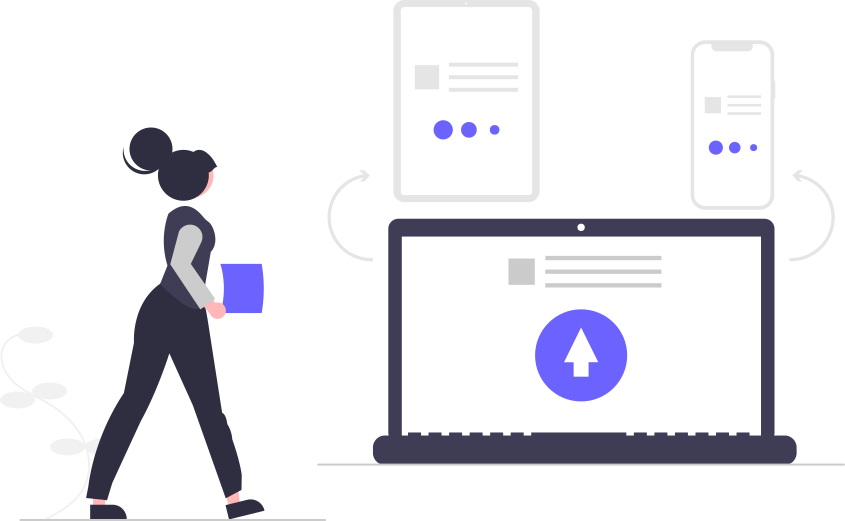
At its core, it's a real-time sync between your servers in the office and your app servers in the cloud. Thanks to some solid innovation by our team, we are able to properly handle any conflicts between both server clusters so you have real-time consistency in all your data.
#1 - Servers
Local & Cloud
Separate stateless servers
A key part of this innovation is having separate stateless application servers (local and in the cloud) which do not communicate with each others.
Redundancy as backups
A key advantage of hybrid clouds is that the redundancy acts as backups. OneOffice local servers are low-end low-cost servers thanks to our relentless optimizations.
Secure connections
Some services which require secure connections (e.g. calls) will continue to be in the cloud regardless, but its data will be sync-ed locally as well.
#2 - Real-time Sync
Reliable & Resilient
All data sync-ed
All data, whether documents or in the database are sync-ed real-time.
Careful locking
Careful locking mechanisms ensure files are not corrupted due to simultaneous access. Data integrity is maintained throughout.
Disaster recovery
This is supported by real-time disaster recovery systems that keep version history in brute-force (i.e. the entire document is backed up with its timestamp).

#3 - 100% Uptime
The Elusive Dream
SLA reality
If you check the SLA on your hosting provider, you are typically looking at 99.9% or so. It's practically impossible to guarantee zero down-time.
Even giants fail
Search engines, social media, chat apps have all gone down at one point or the other.
Local cloud shield
The advantage of a local cloud is that you are shielding yourself from the one component that no hosting provider can guarantee: Internet network availability.

Hybrid Hosting FAQs
Answers to Common Hybrid Questions
Can I host my email server locally?
Yes, with a low-end server you can serve a few thousand users easily. We strongly recommend a cloud-based backup to go with it.
Can I host all of OneOffice locally?
Yes, for a few thousand users all you need is a single server in your office. We would synchronize with the cloud as well for redundancy.
Does it cost more to add the hybrid service?
With a regular business plan with 100 users and a 2-year contract, it is included in your monthly fees. For larger installs it is included by default.
Are you able to monitor and update my local servers?
Yes, all the services in our cloud servers are also included locally. This covers automated monitoring and upgrades.
Can my IT team access the local servers if they need to?
Absolutely. They would have full access. We do ask that they synchronize with us any changes beforehand to avoid service disruptions.
What is the ideal local server setup?
At the very minimum, we recommend a low-end computer or server, a network disk, and a UPS (Uninterrupted Power Supply).
Still on the fence?
A 10 min online demo will set your mind at ease!